


Vietnam eVisa Payment Successful but No Confirmation
By VietnamVisaEasy Visa Team · 2025-10-15 · Updated 2026-11-08
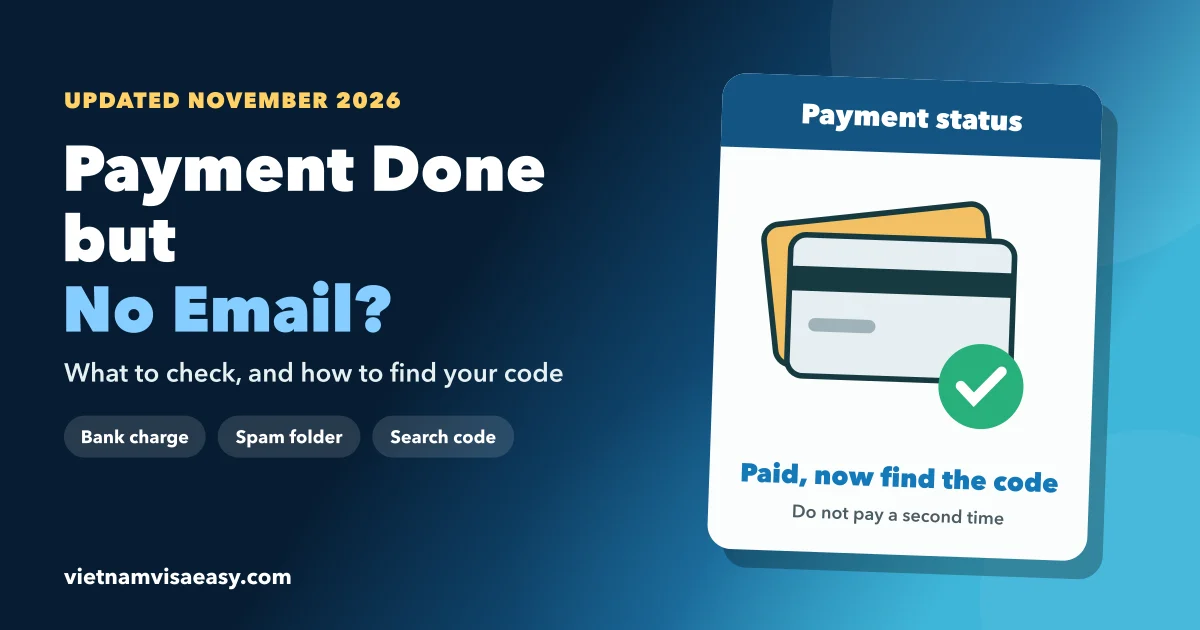
Seeing "Vietnam eVisa payment successful" and then nothing in your inbox is a common and stressful moment. In most cases the application exists and is being processed. The confirmation simply did not reach you, or it is waiting in a folder you have not checked. This guide shows how to find your application, how to tell a delay from a real problem, and what to do if your flight is close.
Why is there no email after a Vietnam eVisa payment successful message?
The money went through, but the message did not reach you. These are the usual reasons, from most to least common:
- The email landed in spam, junk or a promotions tab.
- The email address on the form has a typing mistake.
- The payment gateway confirmed late, so the email was generated later.
- You applied on a Friday evening, a weekend or a public holiday, when processing pauses.
- The portal had a short delay in syncing new applications.
Vietnam's Immigration Department works Monday to Friday, 08:00–11:30 and 13:30–18:30 Vietnam time. An application paid at 20:00 on Friday is not looked at until Monday morning.
How can you find your application?
Work through these 5 checks in order.
- Search every inbox folder, including spam, for "evisa" and for your passport number.
- Open your bank app and confirm the charge is completed, not just pending.
- Find the application code. It starts with E and appears on the payment page and in the first email.
- Enter the code, your email and your date of birth on the official e-visa Search page, exactly as you submitted them.
- If you have no code, take a screenshot of the bank entry with the date, time and amount.
Our e-visa status check guide explains what each status on the Search page means.
What do the different results mean?
What you find tells you what to do next.
| What you find | What it means | Next step |
|---|---|---|
| Code found, status "In processing" | Your application is in the queue | Wait for the result or speed it up |
| Code found, status asks for an update | Immigration needs a change | Fix only the requested item the same day |
| Code found, approved | The e-visa is ready | Download the PDF from the Search page |
| No code, completed bank charge | The record is unclear | Contact official support with your proof |
| No code, no charge | The payment did not complete | Retry the payment once |
If your application was approved but the PDF never arrived, read Vietnam e-visa approved but not received.
What if the portal shows "No record found"?
Check your input before you worry. The Search page needs the same email and date of birth that are on the application. A swapped day and month, or a missing letter in the email, gives "No record found".
If the details are right:
- Wait 1 working day, because new applications sometimes take time to appear.
- Ask your bank for the transaction reference, which helps support find the payment.
- Write to the official support channel listed on evisa.gov.vn with the reference, your full name and passport number.
Keep every screenshot. They are your proof if the payment needs to be traced.
How long does processing take after payment?
The clock starts when the payment is confirmed, and only in working hours. The portal's normal processing takes several working days, and we suggest planning on 4–6 working days. A missing email does not stop that clock, so an application paid on Monday morning is already moving even if you have not seen a message.
| Paid on | Processing starts |
|---|---|
| Monday to Friday, before 18:30 Vietnam time | The same day |
| Monday to Thursday, after 18:30 | The next morning at 08:00 |
| Friday after 18:30, Saturday or Sunday | Monday at 08:00 |
| A public holiday | The next working day |
If the result is due before your flight, waiting is fine. If it is not, a speed-up of the existing file is usually cheaper than a new application.
Should you apply and pay again?
Not until you know the first application is missing. A second application for the same passport means a second government fee and two records with one passport number. That can confuse airline staff at check-in.
| Situation | Apply again? |
|---|---|
| You have an application code | No |
| Bank shows a pending hold, no code | Not yet; ask your bank first |
| Completed charge, no code, support has not replied | Not yet, unless your flight is within 2–3 days |
| Support confirms no application exists | Yes |
When your flight is very close and the first application cannot be found, a new urgent application can be the only safe option. Our urgent visa processing guide explains the speeds and cutoffs.
How do you avoid this next time?
A few habits prevent almost every case.
- Type your email address twice and check it on the review page.
- Upload JPG or PNG files, not HEIC images from an iPhone.
- Screenshot the payment page as soon as it shows the code.
- Avoid paying just before a weekend or holiday if your trip is close.
- Apply at least 1 week before departure when you can.
Need someone to check for you?
Send us your application code, or a screenshot of the bank charge if you have no code. We look up the real status first and only suggest a new application if the first one truly does not exist.
Frequently asked questions
Why didn't I get a confirmation email after paying?
The usual causes are a spam filter, a mistyped email address, a delay in the payment system, or a weekend or holiday pause in processing.
How do I check that my payment went through?
Look for a completed charge in your bank app, search your inbox and spam for the application code, then check the code on the portal's Search page.
The portal says "No record found". Is my application lost?
Not necessarily. Check that you typed the code, email and date of birth exactly as submitted, wait one working day, then ask official support.
Should I pay again?
Only if you have confirmed the first application was not created. Paying again for an application that exists only adds a second file and a second fee.
Need your visa today?
Urgent options from 30–60 minutes, also on weekends & holidays.
Comments (0)